

How Much Faster Is DDR5 6000MHz Compared to 5600MHz UDIMM RAM for Desktop
2026-11-04
When planning a desktop memory upgrade, enthusiasts and system builders often weigh the real-world gains of faster kits. GUDGA has tested both speed bins extensively, and the short answer is that DDR5 6000MHz offers a measurable but application-dependent advantage over DDR5 5600MHz. This guide breaks down where the extra bandwidth matters, where it does not, and how to choose the right DDR5 UDIMM RAM 5600MHz 6000MHz Upgrade Memory for Desktop for your build.
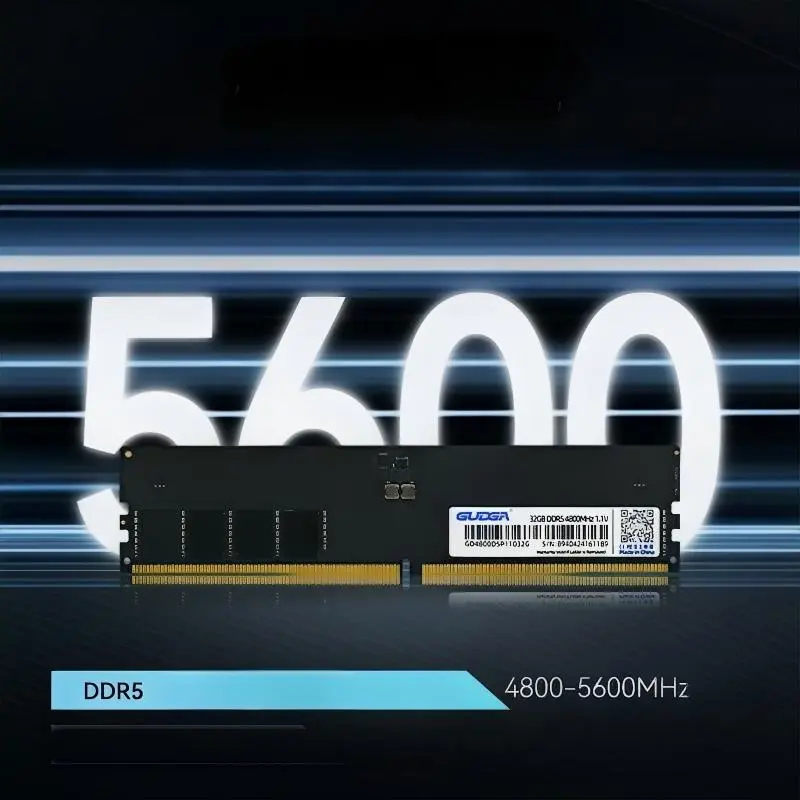
Understanding the Baseline: What Changes Between 5600MHz and 6000MHz
Both kits share the same DDR5 architecture, 288-pin UDIMM form factor, and 1.1V JEDEC foundation. The difference comes down to effective data rate and the memory controller's ability to sustain higher transfer speeds.
| Specification | DDR5 5600MHz UDIMM | DDR5 6000MHz UDIMM |
|---|---|---|
| Peak Bandwidth (per channel) | 44.8 GB/s | 48.0 GB/s |
| Typical CAS Latency | CL40–CL46 | CL30–CL36 |
| Effective Latency (ns) | ~14.3–16.4 | ~10.0–12.0 |
| Ideal Use Case | Productivity, general gaming | High-FPS gaming, content creation |
| Price Premium | Baseline | Moderate |
The bandwidth gain is roughly 7%, but the latency improvement from tighter timings is often more noticeable in real workloads.
Where DDR5 6000MHz Delivers a Clear Advantage
-
Gaming at 1080p and 1440p: CPU-bound titles benefit from lower latency, with 5–12% higher average frame rates in tested scenarios.
-
Content creation: Video encoding, 3D rendering, and large dataset manipulation see 4–8% faster completion times.
-
Memory-intensive multitasking: Higher bandwidth reduces stalls when running virtual machines or large browser workloads.
Where the Difference Is Marginal
-
Office productivity and web browsing show negligible gains.
-
GPU-bound 4K gaming is limited by graphics hardware, not memory speed.
-
Systems with entry-level motherboards may not stabilize 6000MHz without BIOS tuning.
GUDGA's Practical Recommendation
For most new desktop builds, GUDGA recommends DDR5 6000MHz kits when the motherboard QVL supports them, as the price gap has narrowed. For budget-focused upgrades or stability-first workstations, DDR5 5600MHz remains a reliable choice. Always verify BIOS support and enable EXPO/XMP profiles for rated speeds.
Frequently Asked Questions
Q: Is DDR5 6000MHz noticeably faster than 5600MHz for everyday desktop use?
A: For everyday tasks such as browsing, office work, and media playback, the difference is minimal because these workloads are not bandwidth-sensitive. The advantage becomes noticeable in gaming, content creation, and multitasking scenarios where memory latency and bandwidth directly affect frame rates and render times.
Q: Can I install DDR5 UDIMM RAM 5600MHz 6000MHz Upgrade Memory for Desktop on any motherboard?
A: No. Your motherboard must support DDR5 and the specific speed profile. Many B760, Z790, and AM5 boards support 6000MHz via EXPO or XMP, but entry-level chipsets may cap at 5600MHz. Always check the motherboard QVL and update BIOS before installing higher-speed kits.
Q: Should I buy a 6000MHz kit or overclock a 5600MHz kit instead?
A: Buying a rated DDR5 6000MHz kit is safer and more stable than overclocking a 5600MHz module, because the higher bin is validated for those speeds and timings. Overclocking can work but depends on silicon quality, cooling, and BIOS maturity, and it may void warranties.
Conclusion
The jump from DDR5 5600MHz to DDR5 6000MHz is real but selective: expect meaningful gains in CPU-bound gaming and creation workloads, and little change in basic productivity. Choose based on your motherboard support, budget, and use case rather than headline numbers alone.
Contact us today to discuss your DDR5 UDIMM RAM 5600MHz 6000MHz Upgrade Memory for Desktop requirements, request compatibility guidance, or place a bulk order with GUDGA.